

Key terms
Pull the parties, dates, amounts and other key fields out of the open contract into one card, and export them.
The assistant can read the open contract and list its key terms in a card. Each term links to the clause it came from.
Extract key terms
- Start a new chat in any mode.
- Click Extract key terms on the empty chat screen, or type a message such as "Extract the key terms of this contract."
- Wait for the Key terms card.
The assistant works out the agreement type first, then uses the template for that type. The template sets which fields it looks for, such as the parties, dates, amounts and governing law.
Read the card
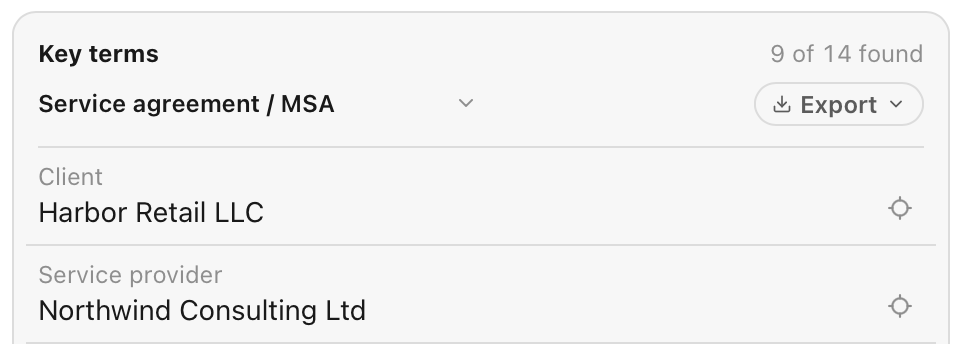
The card header shows how many fields were found, for example 9 of 14 found. Each row has the field, its value and the clause. Click the Jump to clause icon on a row to go to that clause in Word.
Fields the assistant could not find are listed at the bottom, after Not in this contract:.
To use another template, open the agreement type menu in the card header and choose a type. The assistant extracts the terms again.
Export
Click Export in the card header, then Word or Excel.
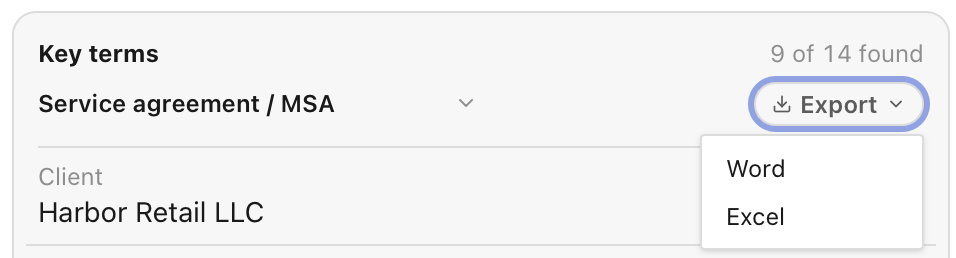 The Word file is a table with one row per field. The Excel sheet has the columns Field, Value, Clause and Quote.